I’ve been getting deeper into the framework of the next project I’m working on in UE5. The core of what I’ve been focusing on is building the basic gameplay systems that will make up the majority of the game.
When I started planning the project, I thought I’d go with something nice and simple something that wouldn’t require a crazy amount of learning just to get things moving.
That’s always a mistake when it comes to programming… or maybe I was just too ambitious again. Simple ideas always seem overly simple to me, but anyway, let’s commit and see what we can learn.
This post is way overdue, and maybe I should have made a post for each new system as I built it. Another lesson, I guess. Let’s try that going forward.
- First off, I wanted to start with a conveyor belt. Easily done, that’s a thin cube.
- It needs to be textured right? let’s grab a stock image and edit it so that it can be tiled without looking janky. Pretty easy, I already had some Photoshop skills.
- Next it needed to move. Wiring it up turned out to be surprisingly frustrating. I had made a variable for the belt where I could define the length of the belt without just stretching it and breaking textures, but at a specific size, the texture broke and became a black void. Eventually I solved it after going crazy and triple checking the code and everything else I could think of, turns out, the box was just slightly too thin…
- After that, I needed to make it actually act as a conveyor belt. I created a box on top that would make any box falling onto it move. That worked but it didn’t feel right, there was no inertia and it just didn’t ‘feel’ like a real belt. To fix this, the original belt with the moving image became just that, a moving image, and below it, an invisible platform moving forward a tiny tiny amount then teleporting back to its starting position, this gave the conveyor belt a sense of inertia and when it turns on and off, the item on it would tip over if top heavy or slide a little when it stopped.
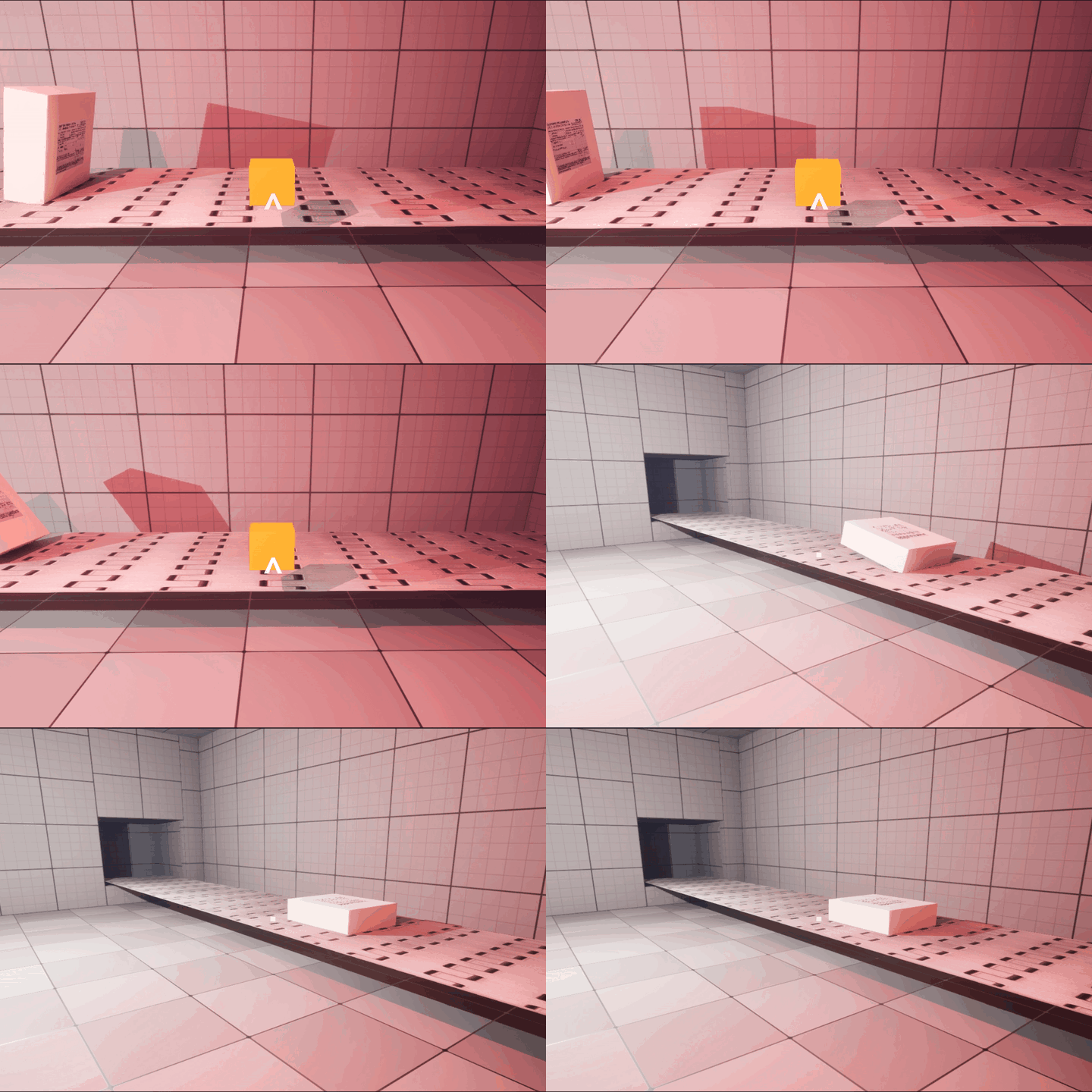
Now, time for what goes on the conveyor belts!
Starting with a box, obviously. Easy.
The boxes should be a variety of shapes, so I hooked up some logic to spawn them in different sizes. Also easy.
So now I have different-sized boxes, but how are they going to get where they need to go?
This next part took a lot of time to get working properly, but there was nothing groundbreaking or amazing about it. It’s a pretty standard feature in a lot of games, although I am proud of making it myself. There were plenty of problems and bugs along the way, but none that had me completely stumped for ages like my previous conveyor belt issue.
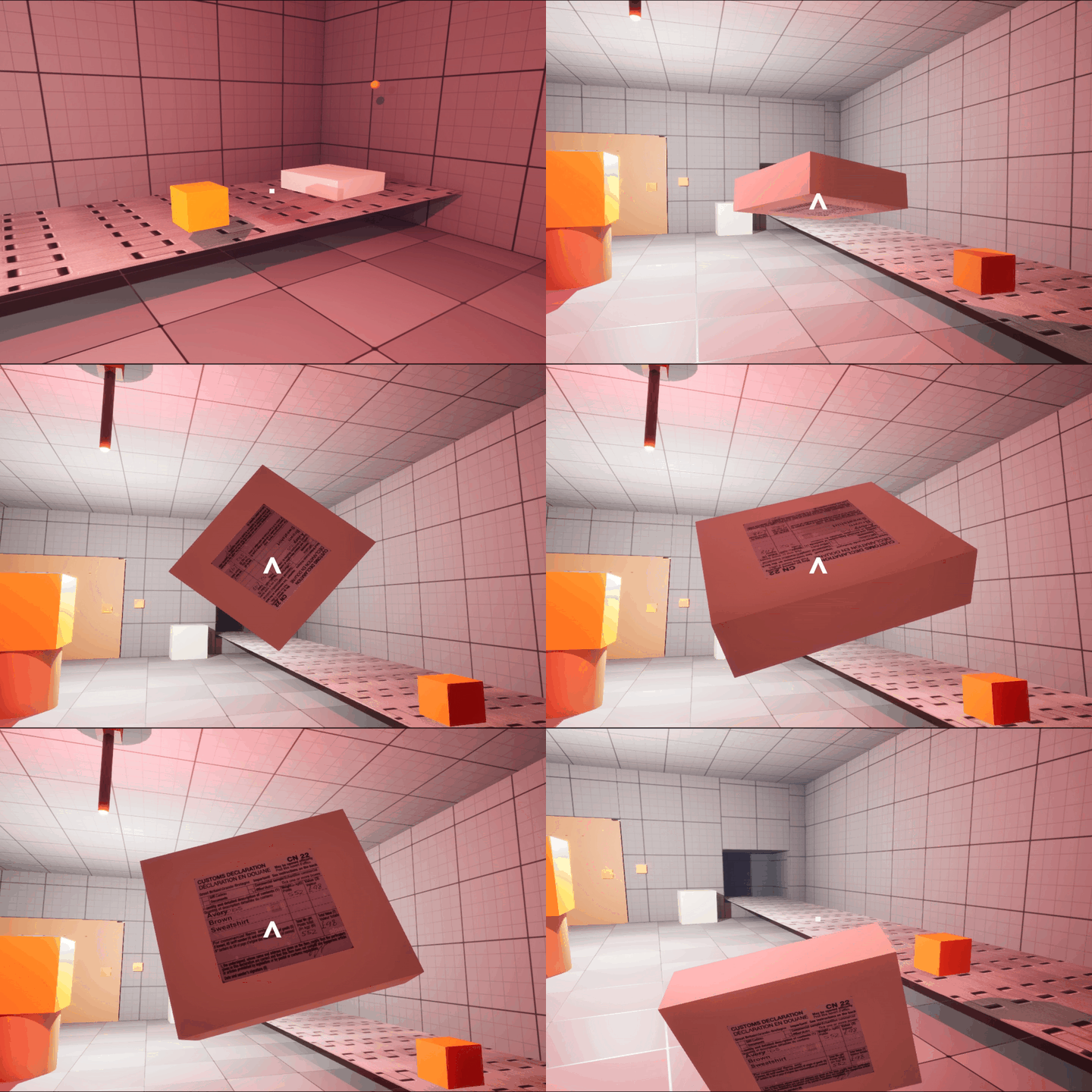
I made it so the player can pick up objects with inertia applied to them, hold them, rotate them, move them closer for inspection, and throw them.
So what’s the point of boxes and conveyor belts?
I’m still in the early stages of building out the game’s systems, and I plan to expand on this later, but for now it’s all about sorting. There is a list of allowed items and disallowed items that can be sent through the checkpoint.
To implement this, when a box is spawned, alongside its size it is also given a shipping label. After a lot of playing around to make sure it actually looked attached to the package, the label now displays a list of items inside the box that the player must inspect to determine whether it should be allowed through the checkpoint.
These items are assigned when the box is spawned and are selected from a randomized list. I’ve also made it so I can adjust the spawn rates of allowed and disallowed items, meaning each in-game day can have different probabilities and present a slightly different challenge.
 FalconGames